
Your studio,
in your pocket.
Make videos on your phone or in your browser: start from a template, cut to the beat, add captions, titles and effects, grade the colour, and export up to 1080p, or real 2K and 4K with Pro when your phone and footage allow it. Your videos stay on your device.
Desktop view fills your screen like a pro editor; phone view is the same app you use on your phone. Both keep the same tools.
Download SnapCut
Pick how you want to use it. It is the same editor on every device.
iPhone
The iPhone app is on its way to the App Store.
 Coming soon
Android
Get SnapCut from Google Play, or download the install file. AI models download once, the first time a tool needs one.
 Coming soonDownload APK
Web
Nothing to install. Open SnapCut in your browser, on a phone or a computer.
Phone view or full-screen desktop viewMac
An app for your Mac. Choose Apple chip (M1 or newer) or Intel (older Macs).
.dmg · about 280 MB. Prefer a phone-shaped window? Apple chip · IntelAndroid · Full
Every AI model is already inside, so nothing downloads later. A big file, for a phone with plenty of free space.
SnapCut-Full.apk · about 2.7 GBAndroid: open the downloaded file. If your phone asks, allow your browser to “Install unknown apps”, then tap Install. Mac: open the .dmg and drag SnapCut to Applications; if your Mac says it cannot check the app, right-click it and choose Open.
A look inside
Screenshots from the app. Slide sideways.
Made for Nepal
SnapCut speaks Nepali: Nepali fonts and text styles, festival videos and posts, a Nepal calendar, shop videos with prices in Nepali numbers, and Nepali songs made by the app.
Nepali text & fonts
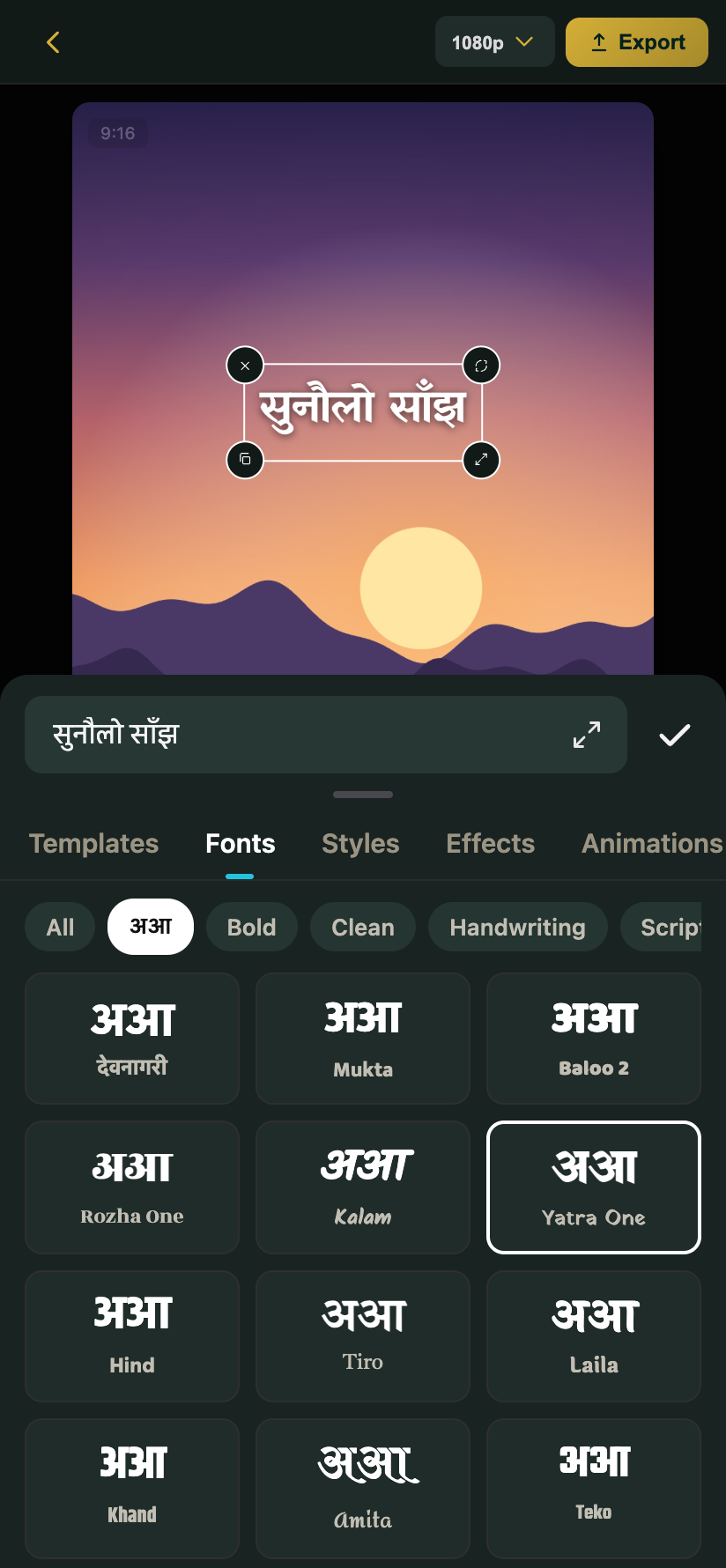
Type titles and captions in Devanagari with Nepali fonts from the अआ tab, or start from ready-made नेपाली text styles. The Video translator turns English captions into नेपाली on your phone after a one-time download of about 310 MB; the other way is a second download of about 265 MB. Check the words before you post, as with any AI. A Nepali voice can also read your words aloud.
Festival videos & posts
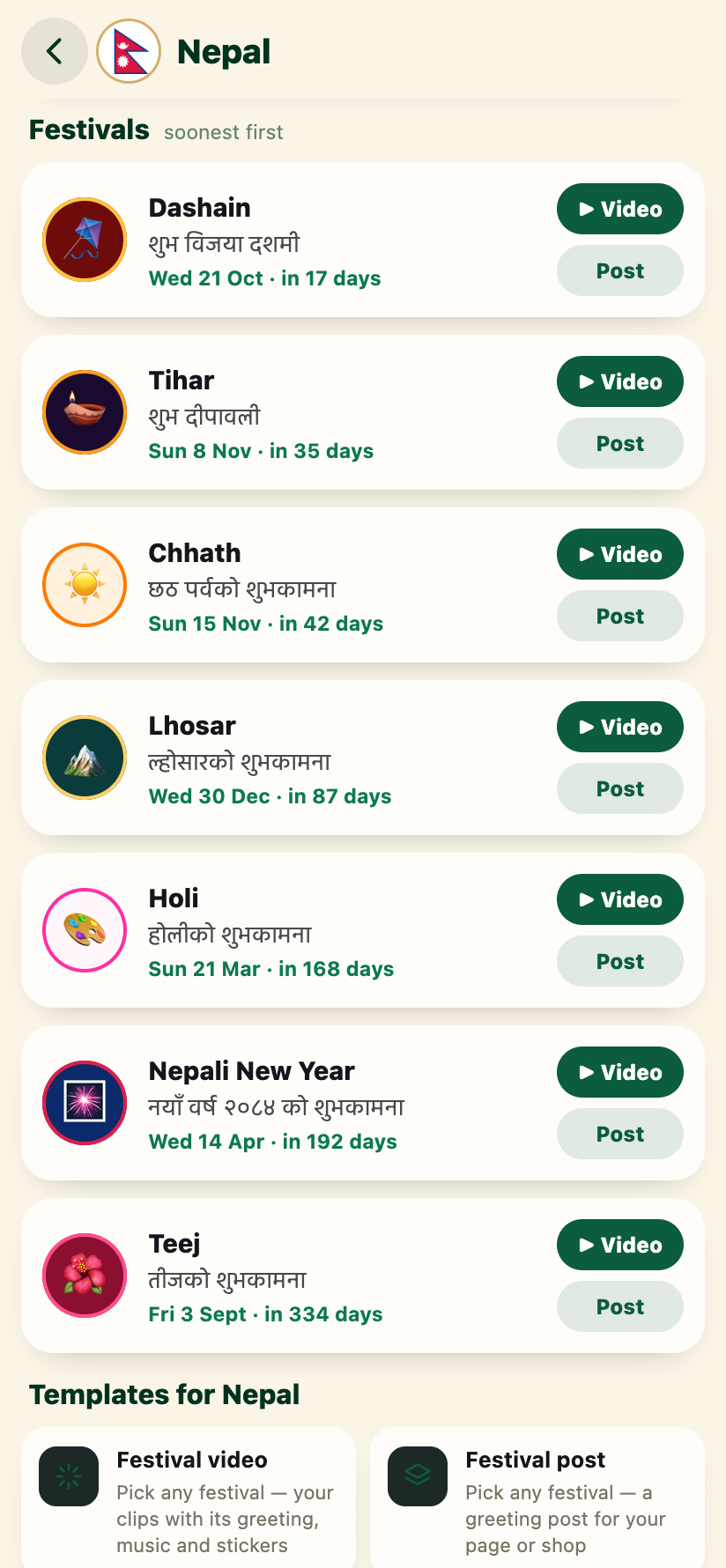
Dashain, Tihar, Chhath, Lhosar, Holi, Nepali New Year and Teej, with the greeting in Nepali, English or both.
Your Nepal calendar
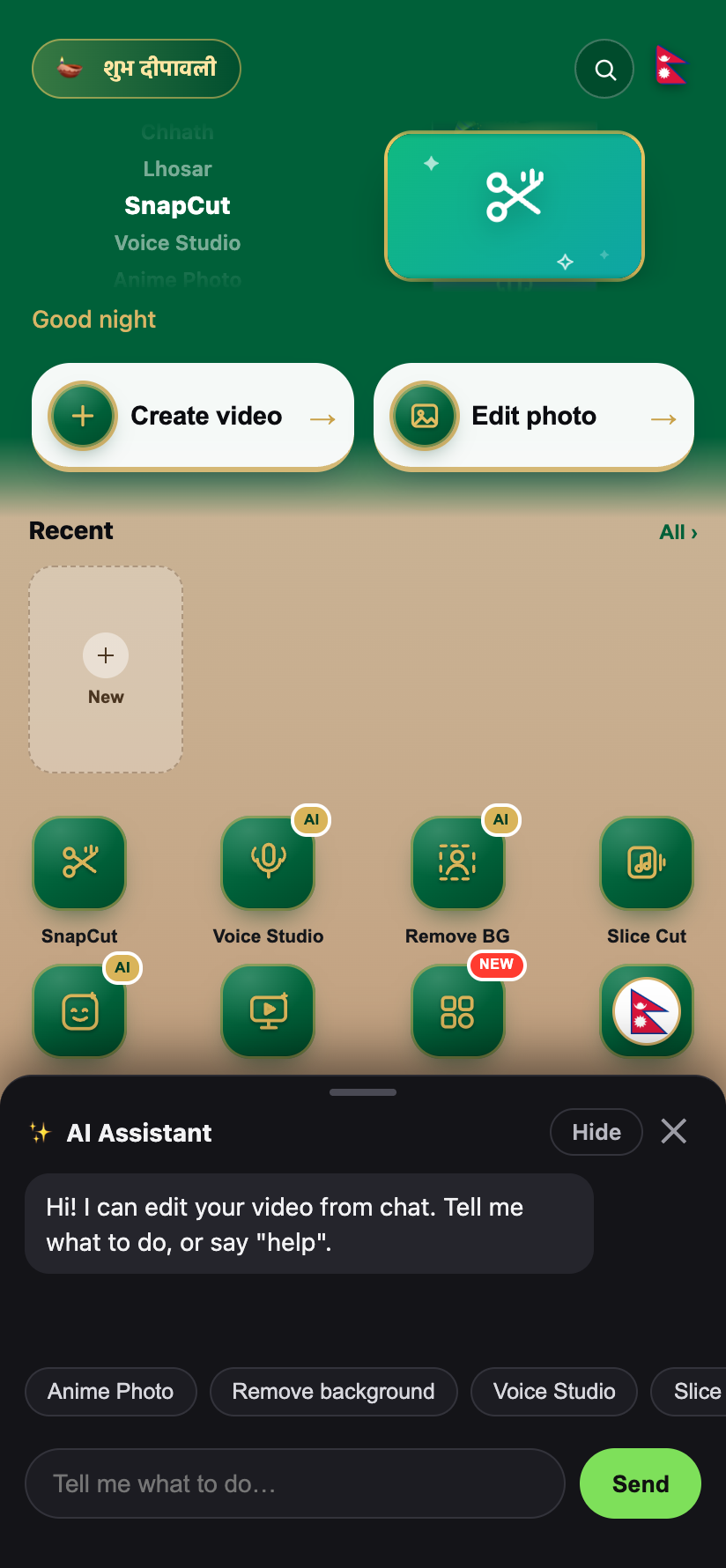
The flag tile on Home opens your festivals, soonest first, and public holidays. Turn any into a post or a video.
Sale video for your shop
Product photos, a name and a price become a sale video with the price tag and “Order now” — in Nepali or English.
Nepali songs
Dohori, Himalayan folk, festival dhun and 80s and 90s radio geet. SnapCut makes them itself, so they are free to use.
Everything you need to make a video
Simple enough to finish a video in a minute, with pro tools when you want more control.
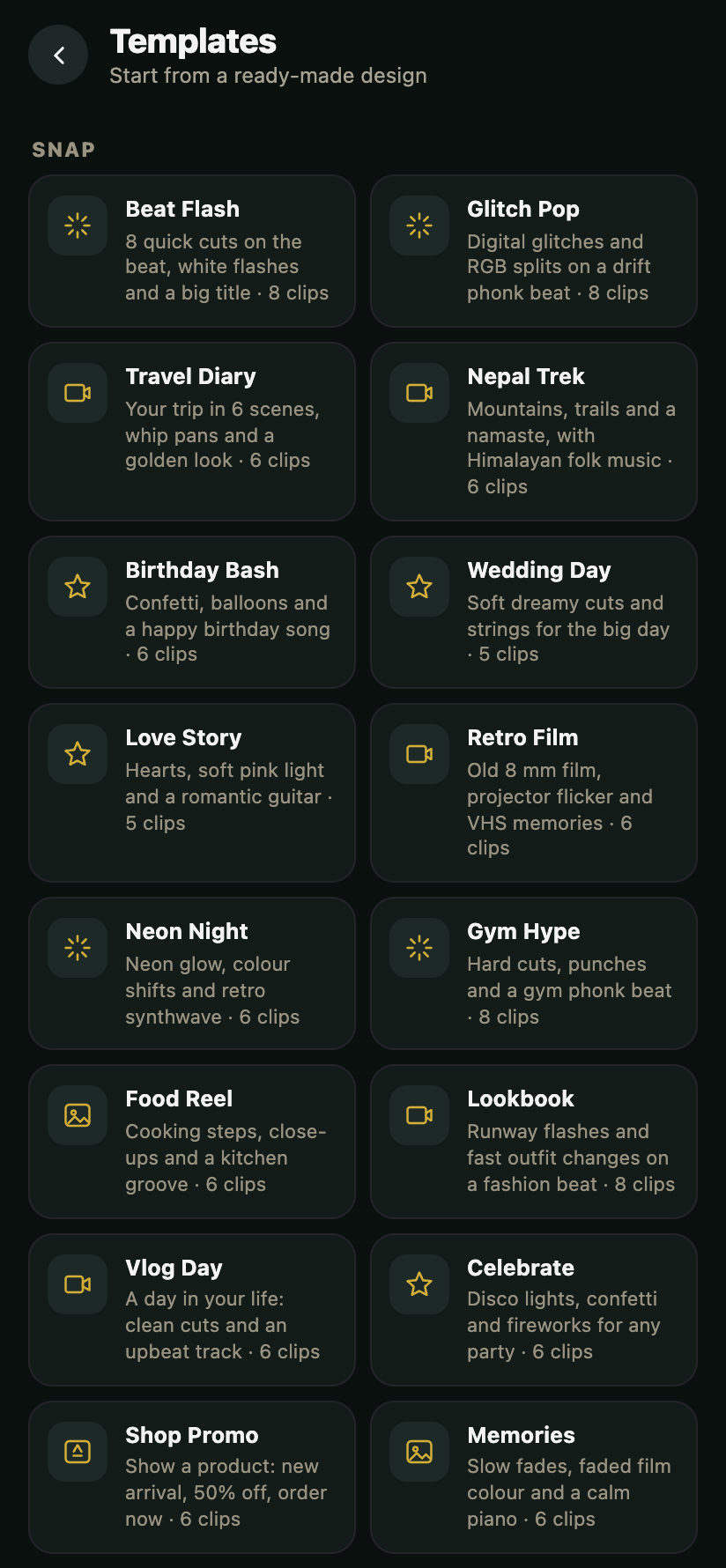
Templates
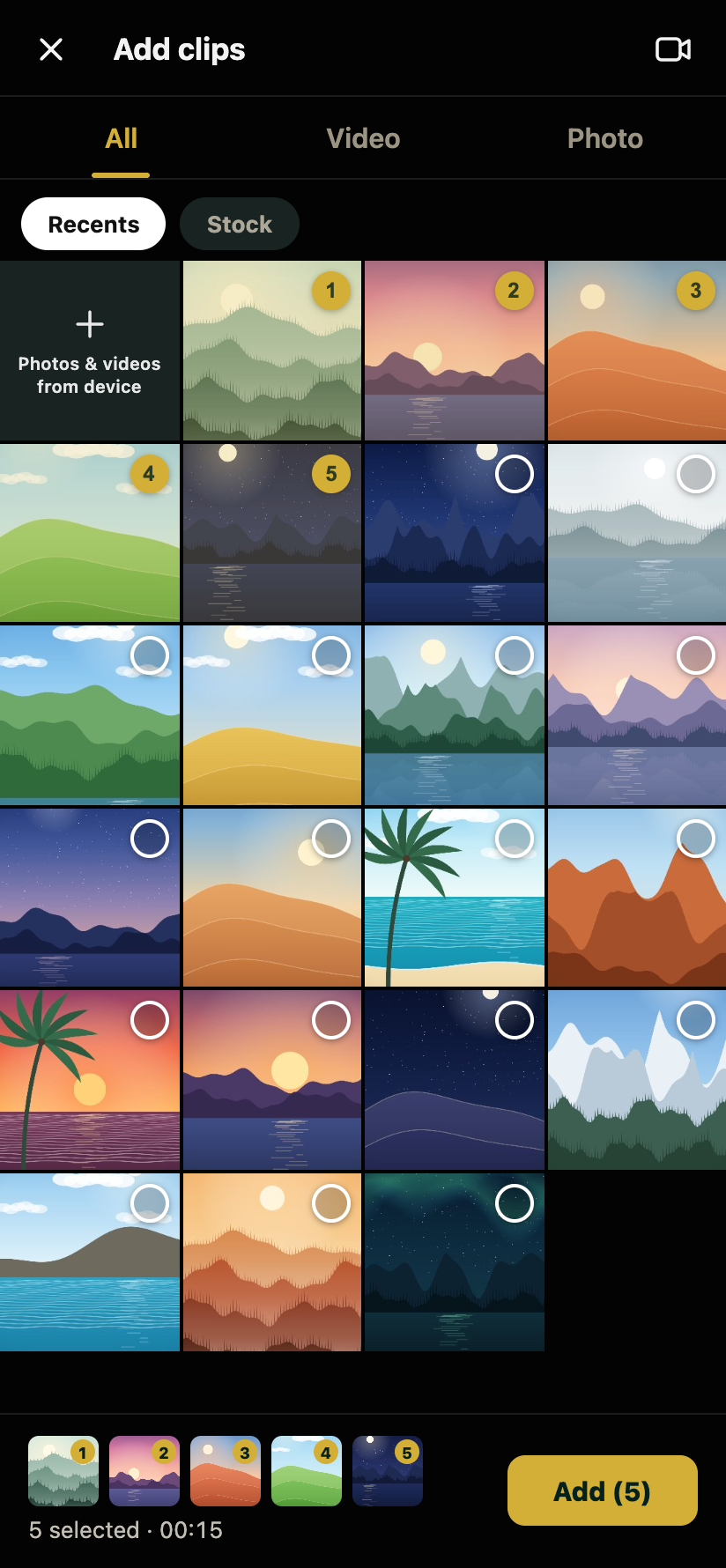
Ready-made video edits: add your clips and the cuts, text, music and look are done.
SnapCut
Your videos and a song, cut on the beat with transitions. Or remove the silent gaps from a talking video.
Quick Cut
Choose clips and a style, like Party, Travel or Retro. Music, cuts and look are added.
Speech to Text
Made on your phone from what you say, every word timed, unsure words marked. Many styles, .srt in and out.
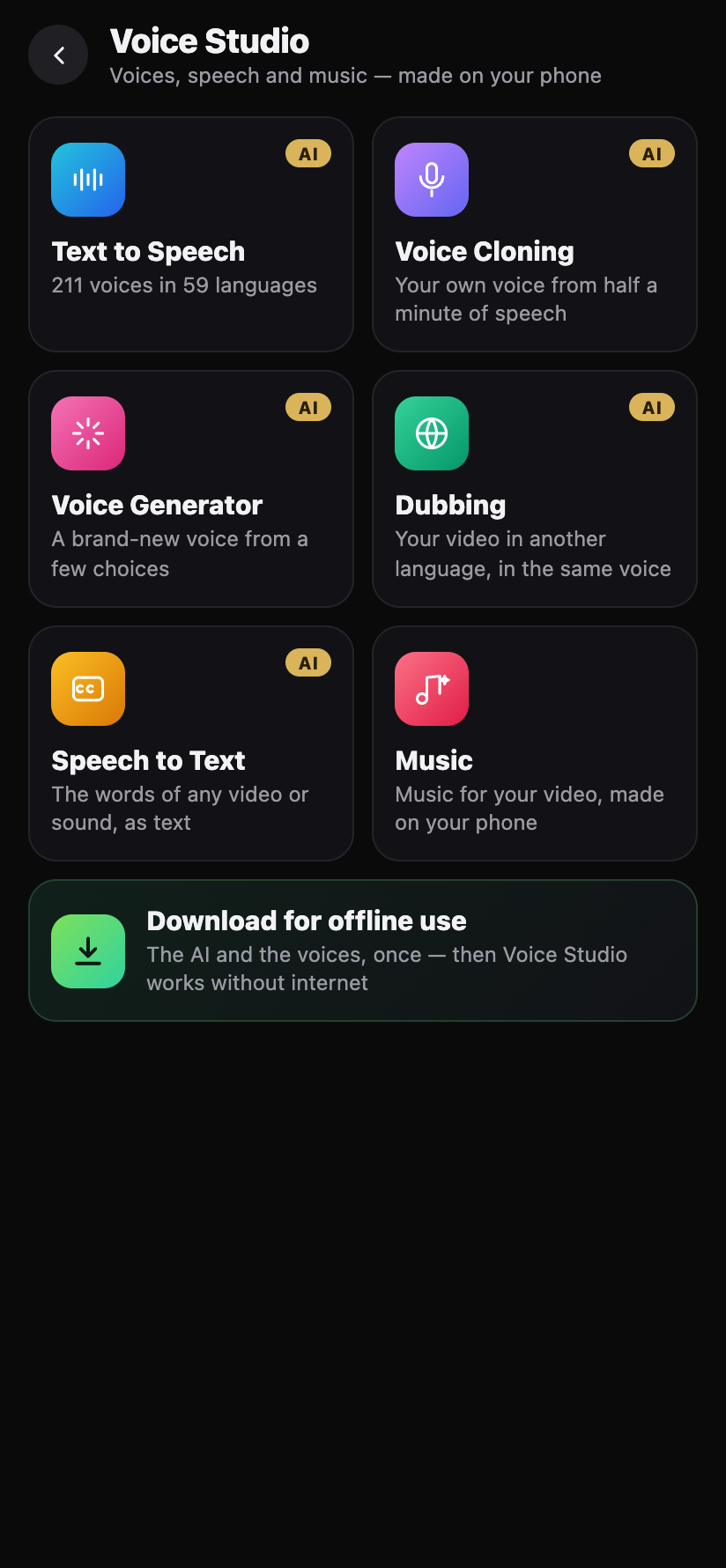
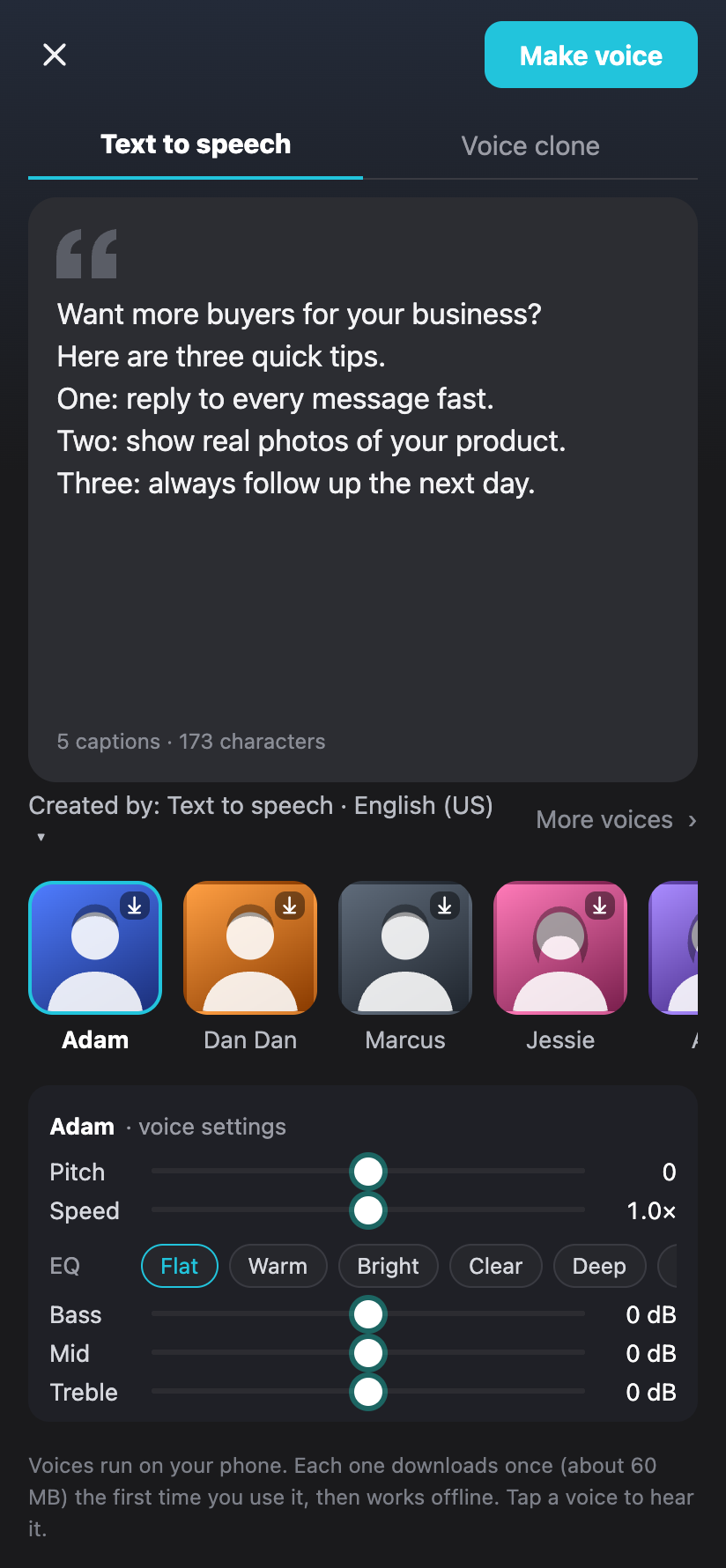
Voice Studio
Type your words and a natural voice reads them, in many languages including नेपाली and हिन्दी. Clone your own voice, dub a video into another language or make background music.
Anime, 3D & talking photos
Turn a photo or a video into anime or a 3D cartoon. Type what it should say and the picture talks: the lips follow the voice, the eyes blink and the camera moves.
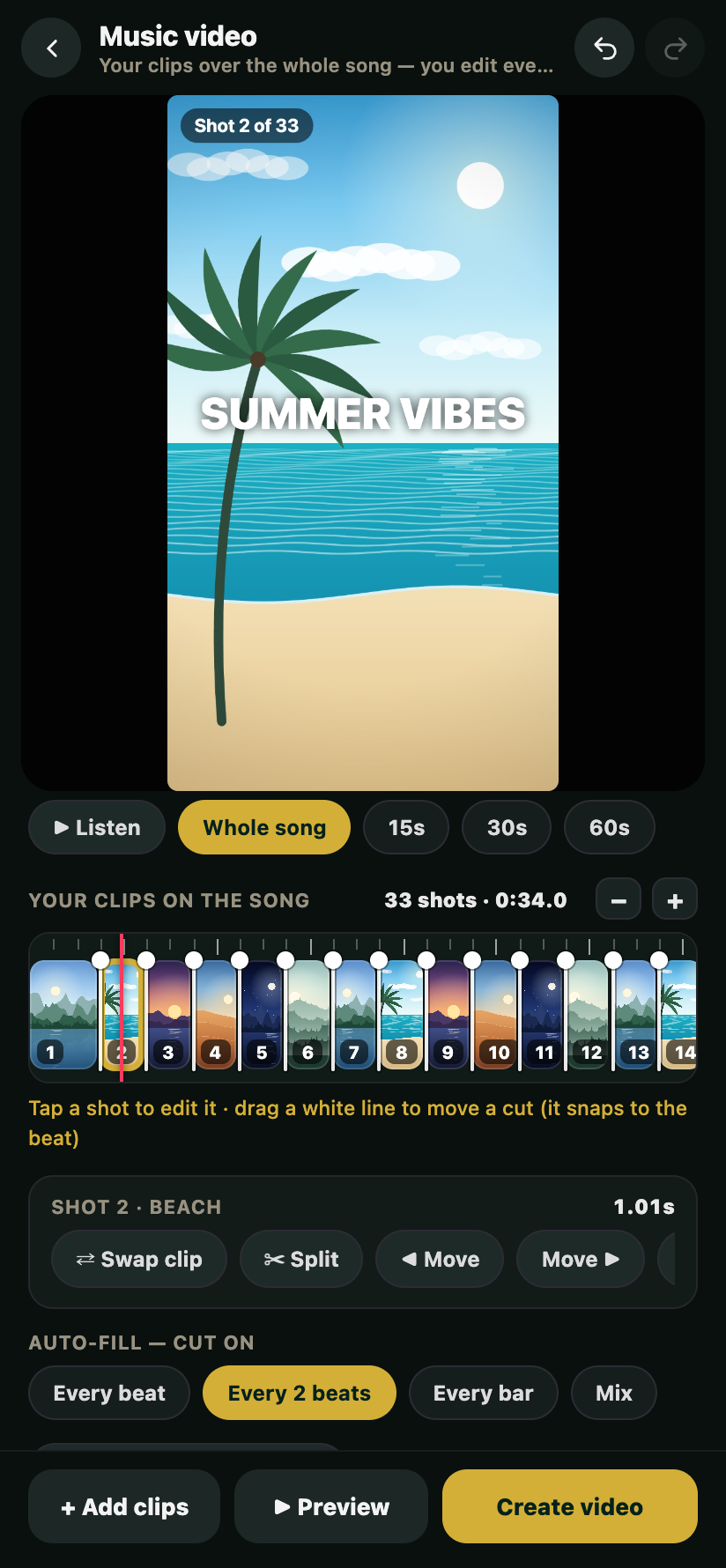
Music video
Pick a song and a part; clips are cut to the beat. Swap, split, move or drag any cut.
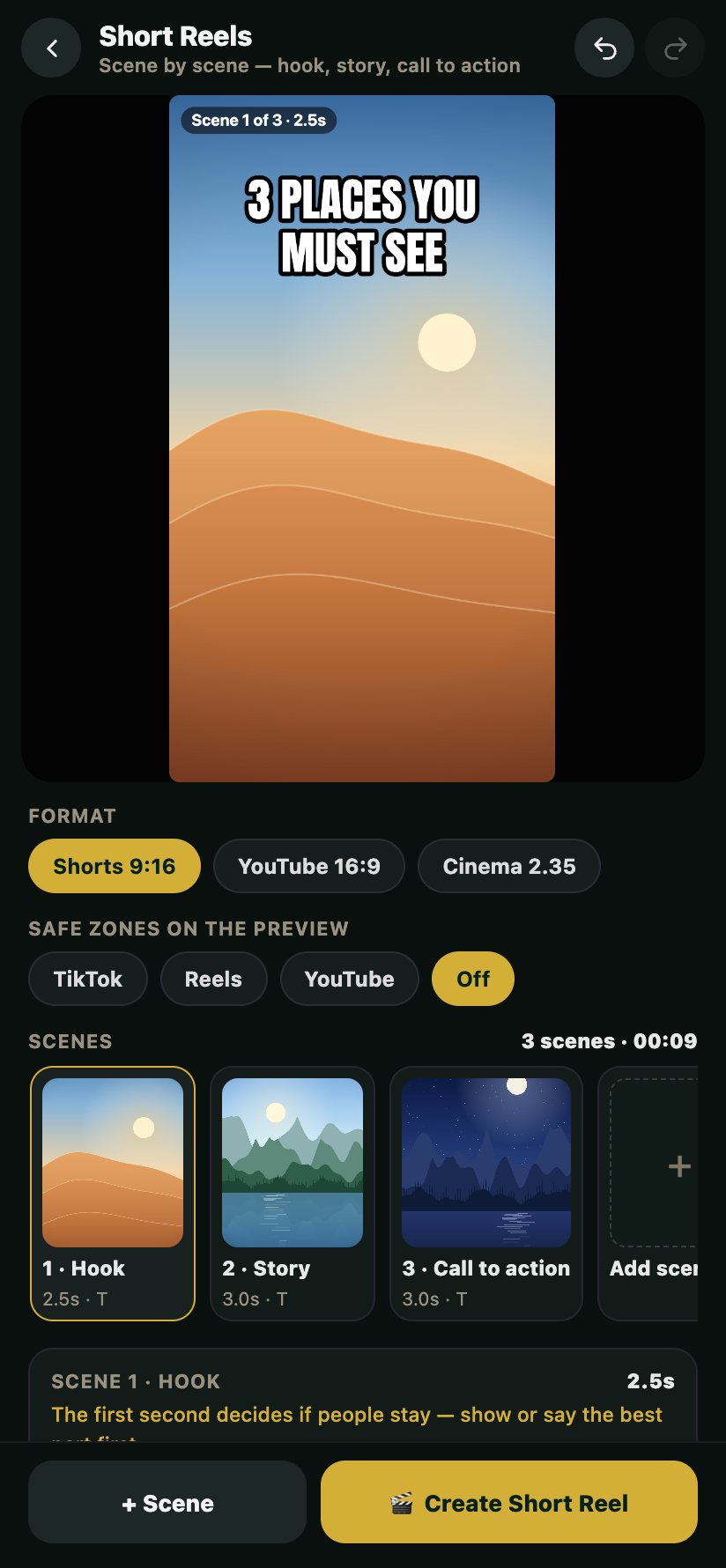
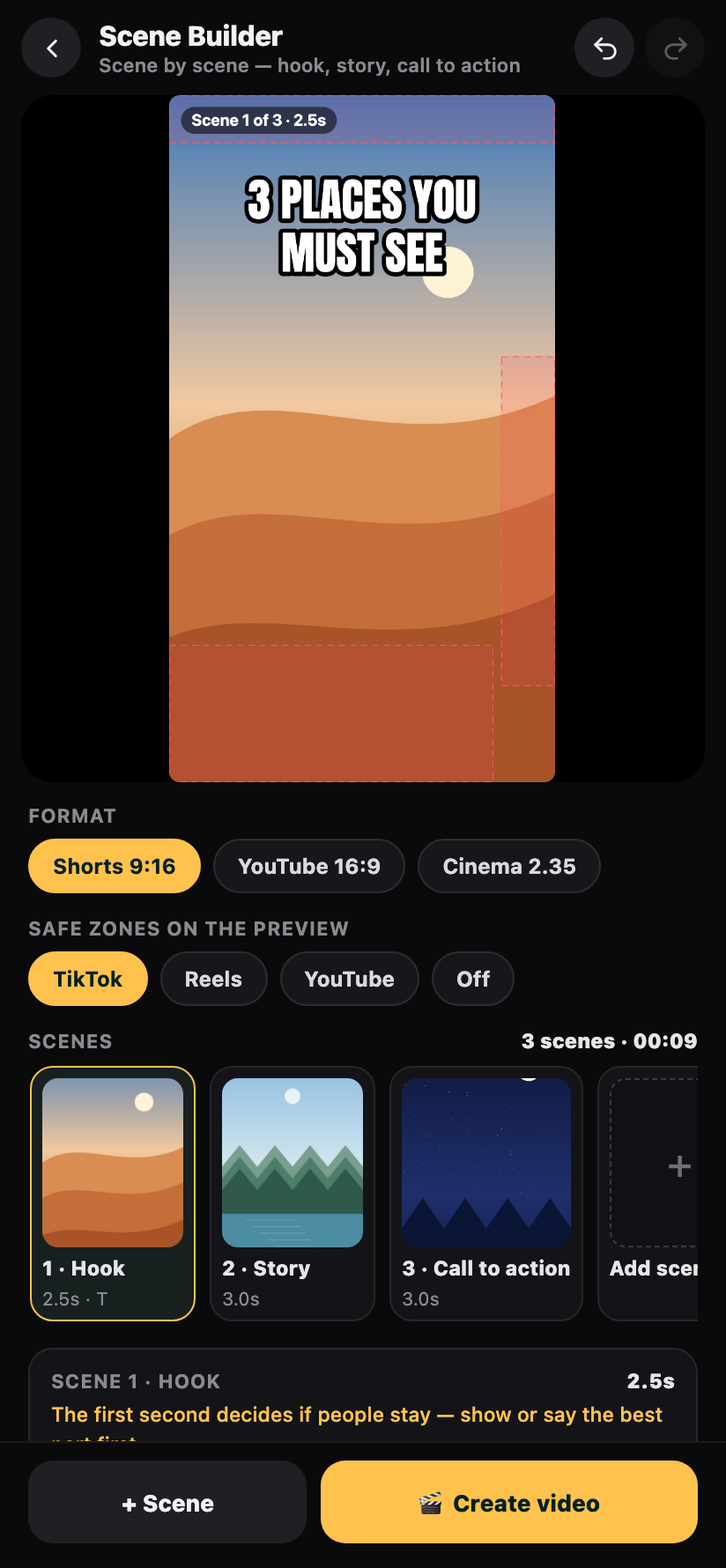
Short Reels
A hook, the story and a call to action, scene by scene, with jump cuts, word-by-word captions and an end card.
Text & titles
Fonts and text styles for every mood, animated titles, lower thirds, logo intros, shapes and charts.
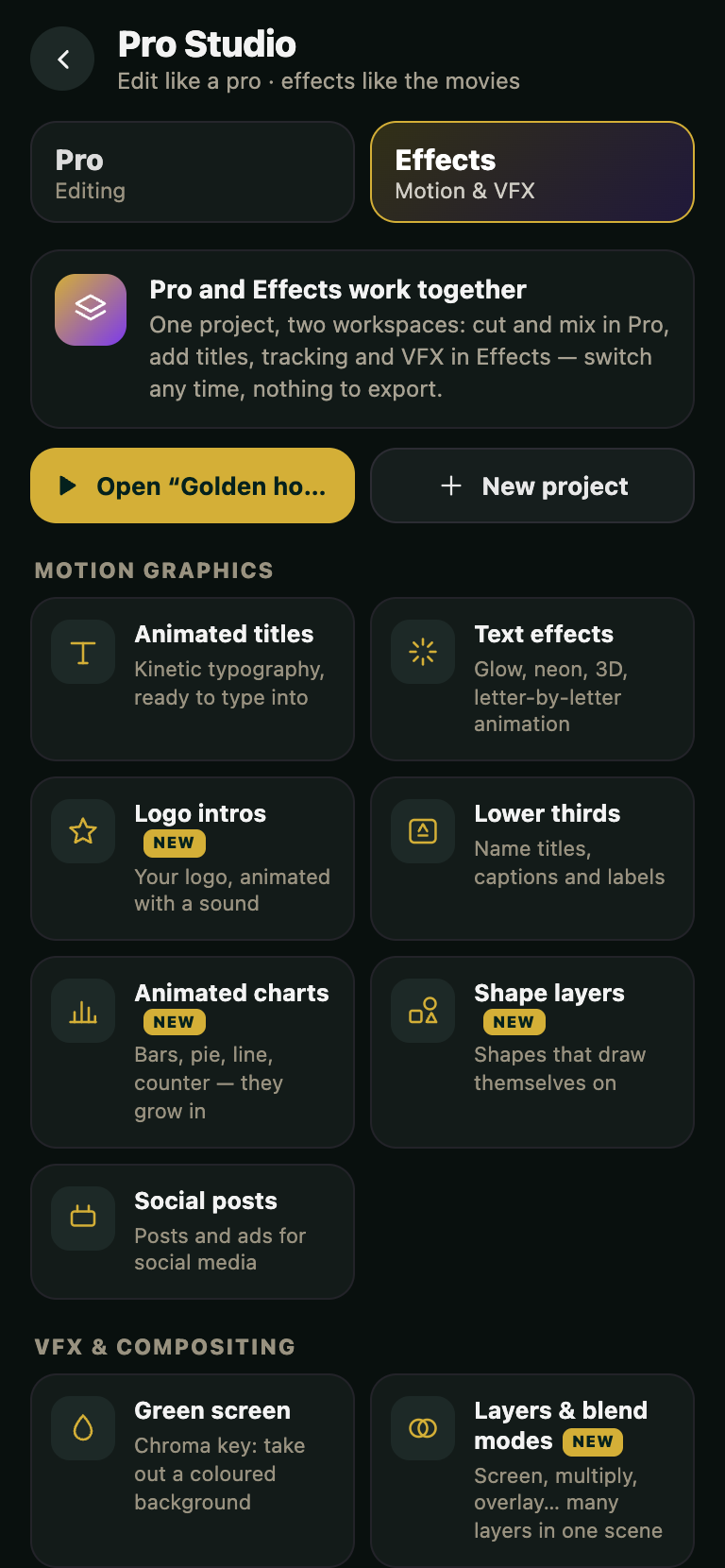
Motion & Graphics
Animated titles, effects, particles, charts and action scenes. Drop one on your video, then change its words and colours.
Music & sound
Songs and sound effects free to use, your own music and voiceovers, Parametric EQ, Enhance voice, Reduce noise and Voice Isolation.
Effects & VFX
Transitions, face lenses, green screen, Light Line glow effects, Subject Tracking to make text or a blur follow something that moves, and AI lip sync and eye contact on videos.
Rotoscope Mask
Remove backgrounds from photos and videos, or tap a person or thing and AI follows it for cut-outs and effects.
Speed
0.1× to 100×, speed curves like Montage and Hero (PRO), velocity effects and real shutter-speed blur.
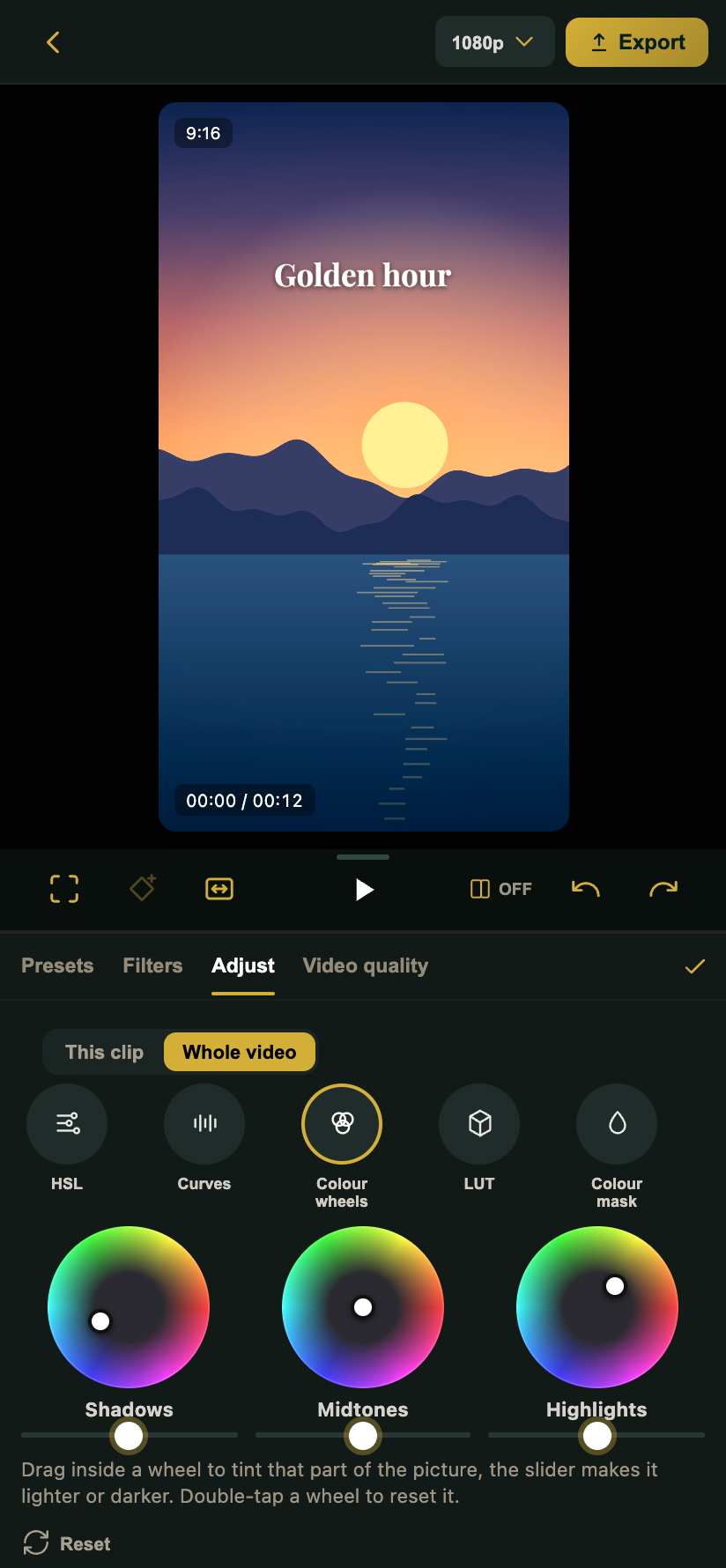
Colour grading
Curves, wheels, HSL, your own LUTs, scopes and Power Window. Backlight Fix and Low Light Fix really fix the light.
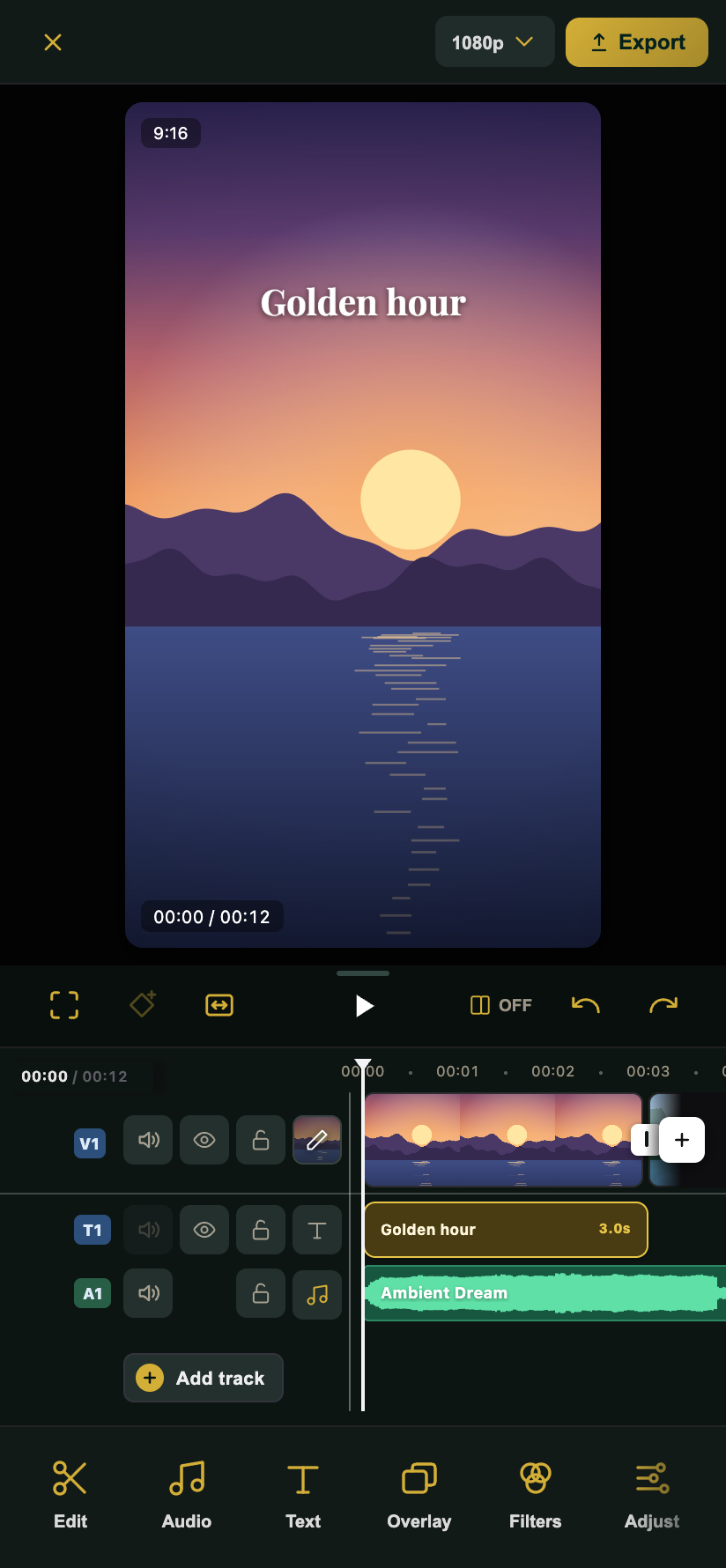
A real timeline
Trim from either end, stack videos and photos on many lines, lock, hide or mute a line, type an exact length.
Photo editing
One-tap photo looks, remove objects, fix blemishes, expand a photo, turn it into art, upscale with AI. Beauty keeps eyes and lips sharp.
Fast export & share
Uses your phone’s video encoder when it can: up to 1080p free, 2K and 4K with free Pro. Share to TikTok, Instagram, YouTube, Facebook or WhatsApp.
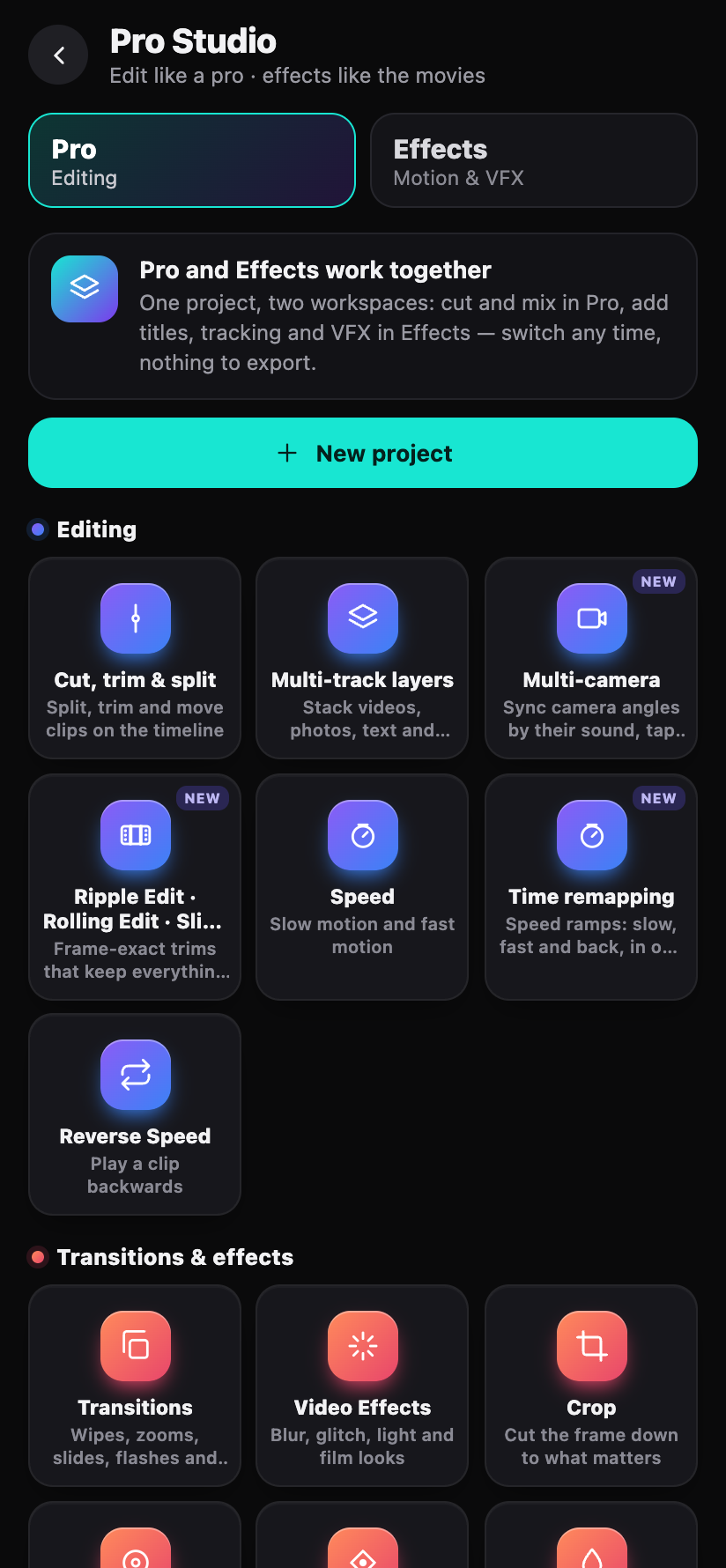
Pro Studio
Ripple, roll, slip and slide trims, speed ramps, J and L cuts, markers and automatic music ducking.
AI Assistant
Say what you want in plain words, like “add captions” or “make it brighter”, and the assistant makes the edit or shows you where to find it.
Private by design
SnapCut edits your videos on your phone. Nothing you make is uploaded to us.
Your videos stay on your phone
Editing, effects and exporting all happen on your phone. Your videos, photos, recordings and projects are never uploaded to us.
AI on your phone
Background removal, Rotoscope Mask, captions, the Video translator, AI voices, lip sync, anime and 3D cartoons, voice isolation, photo object removal and upscaling run on your phone. Most AI models download once, the first time you use the tool: the app asks first and shows the size. After that, those tools work offline.
We never sell your data
We never sell your information or use it for advertising. Read the privacy policy.
Signing in with Google
Signing in is optional. Tools marked PRO (2K and 4K export, speed curves, colour match and more) open free when you continue with Google. Google shares only your name, email address and profile picture.
Sign-in is handled by Google (Google sign-in and Firebase Authentication). Sign out any time from Profile, or remove access in your Google Account. Full details in our privacy policy.
What we use it for
- Your name and picture on the Profile screen
- Linking SnapCut Pro to your account
- One account record (name, email, picture, join date), so we can help you and delete it when you ask
What we never do
- Read your Gmail, Drive, Photos, contacts or YouTube
- Post anything in your name
- Sell your data or use it for ads